



Easy to order, quick delivery and a fabulous easy to use tool. Would recommend others buy it.

💸 Adventure Season Sale is On Now! 🛠️💰
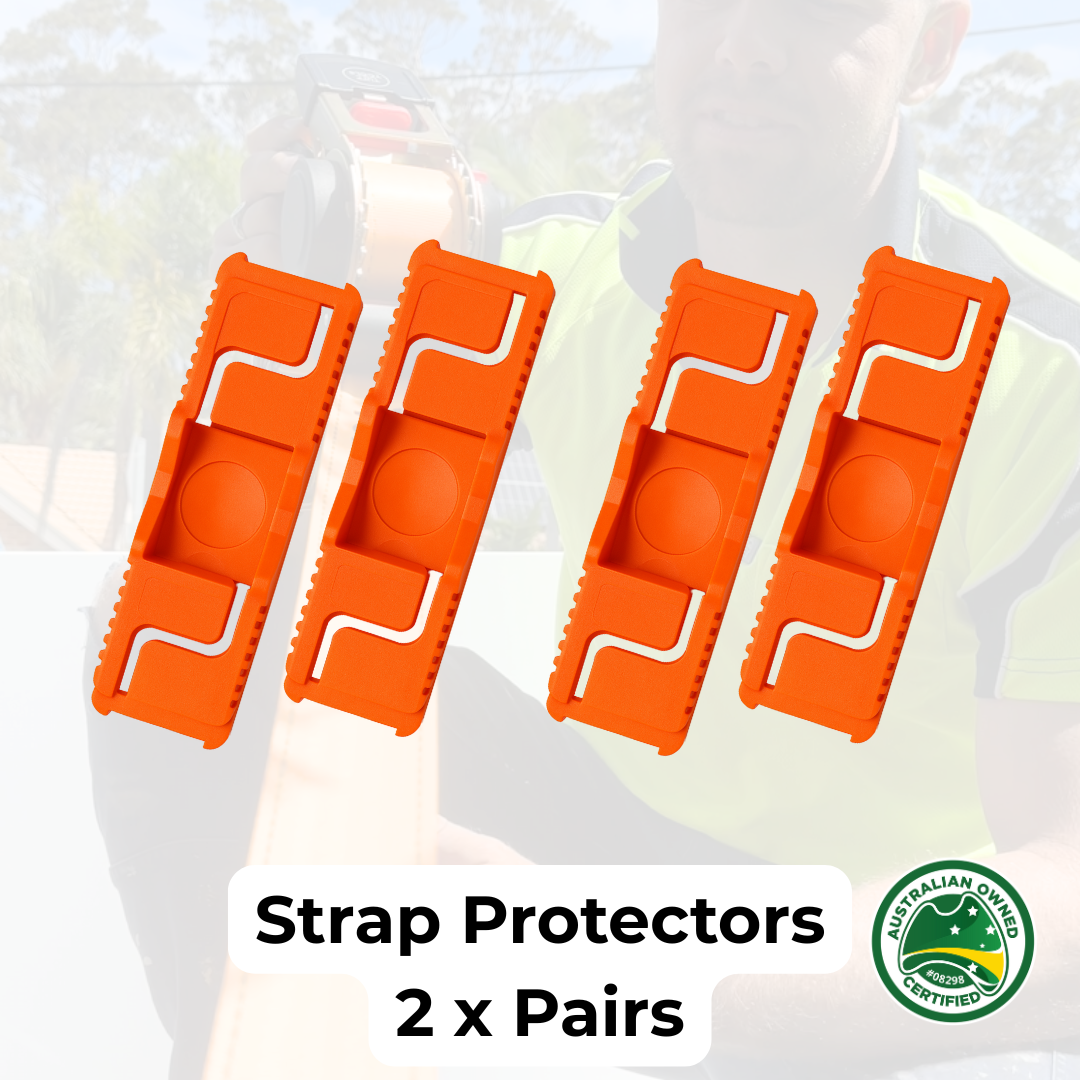
Tuff Tools Strap Protectors (Pair)
Low stock – last few straps remaining
Free Shipping over
Buy 2, Save 35% | Buy 4, Save 38%
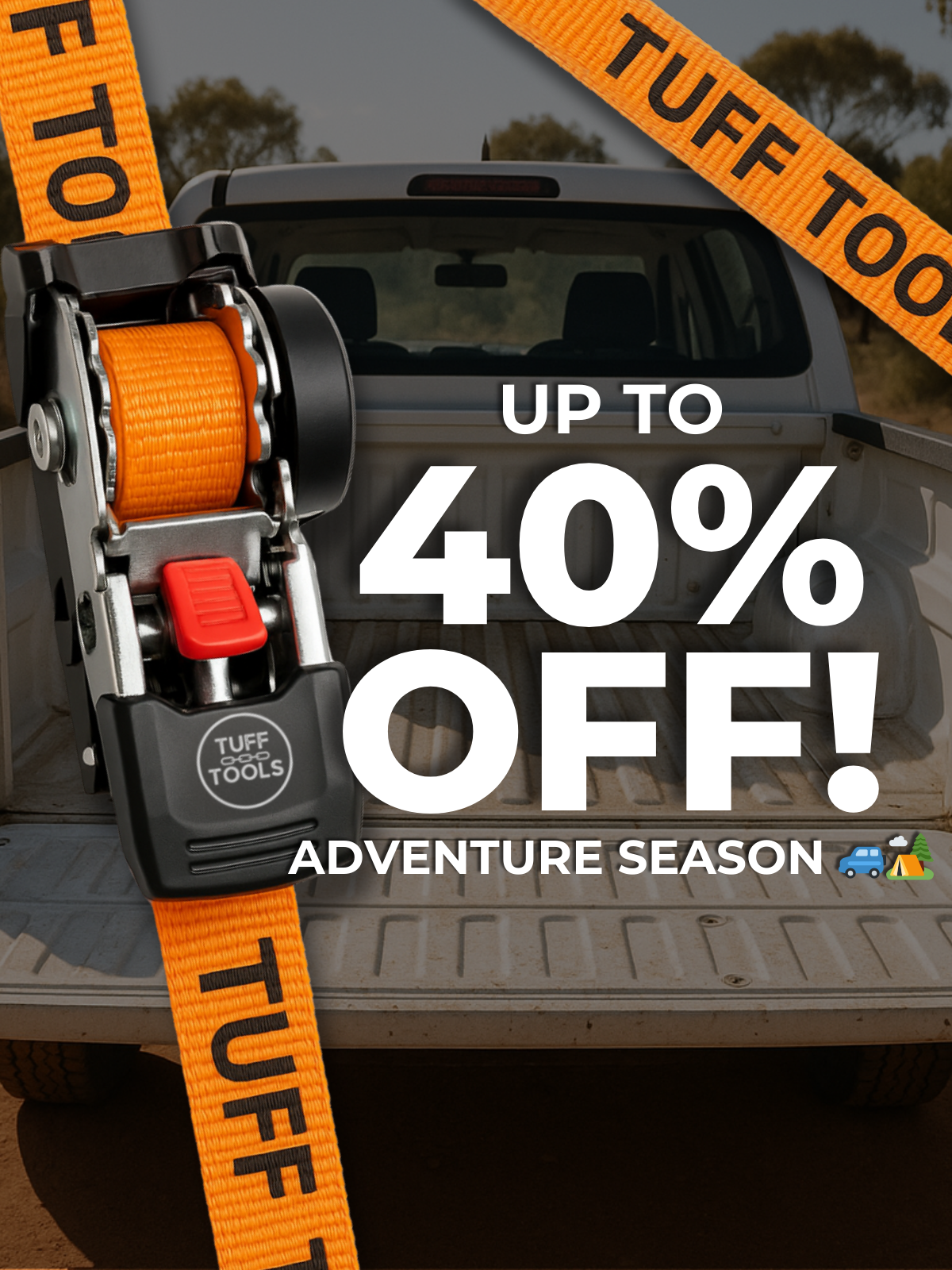
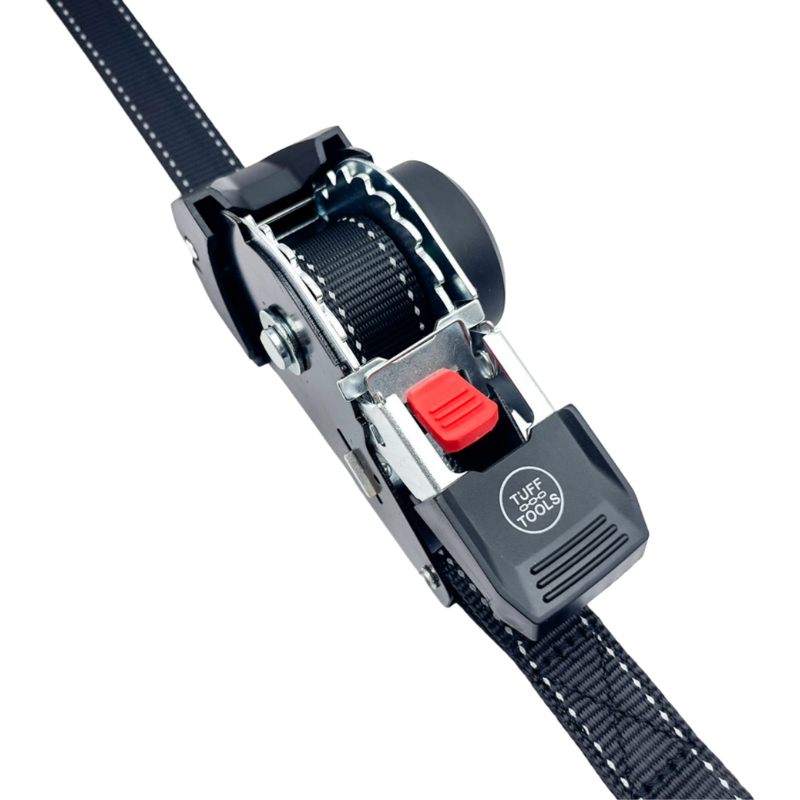
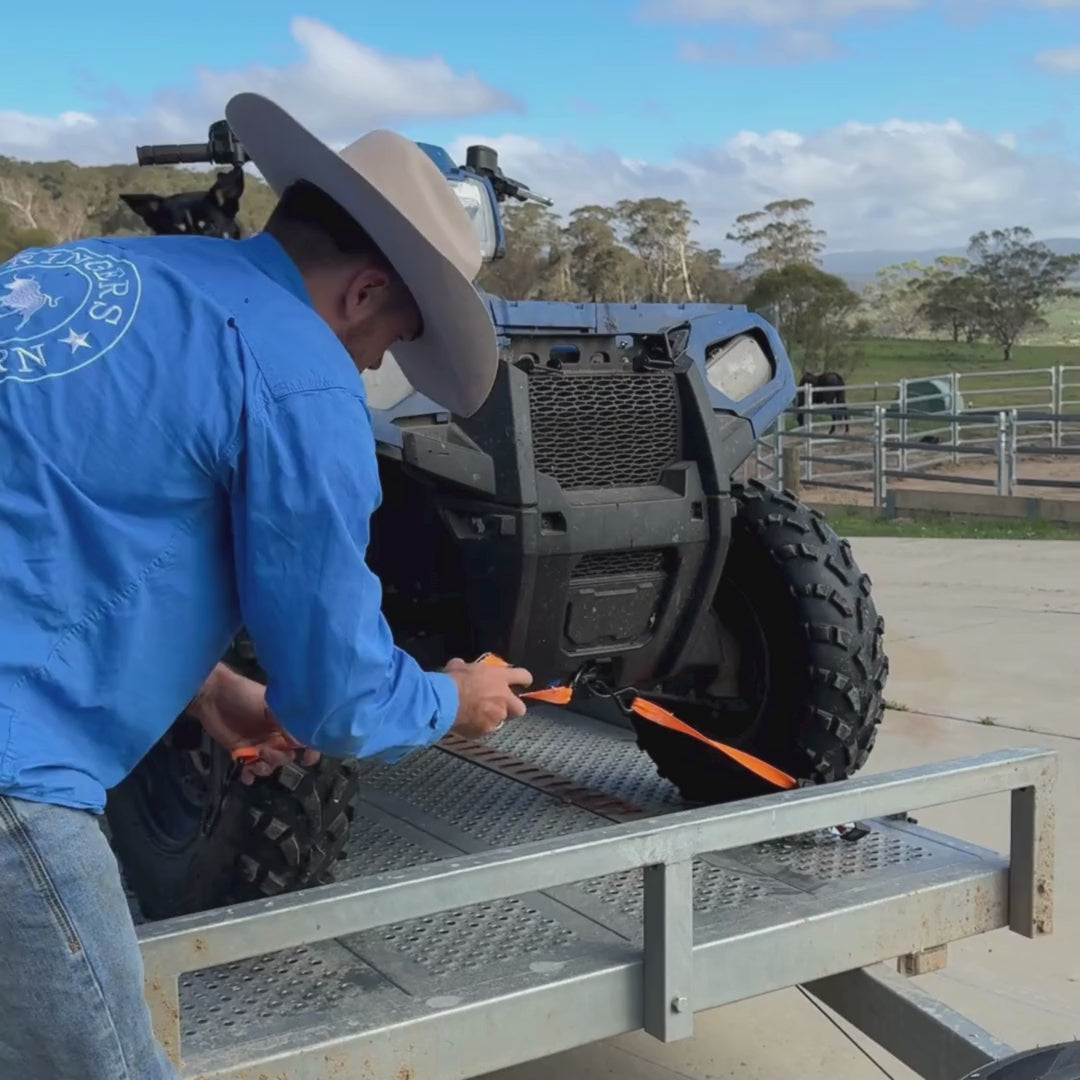
Our straps automatically unspool without tangling or twisting and retract effortlessly. Normal ratchet straps are a pain and suck to pack up and put away. Tuff Tools to the rescue!
- Built-in spring automatically retracts strap for storage
- Strong tough webbed stitching
- Waterproof nylon and built to last
- Galvanised waterproof case
- Easy to use
- Reflective external ribbon and print for safety
- Meets international standards
Tuff Tools Strap Protectors – Keep Your Straps Safe & Secure
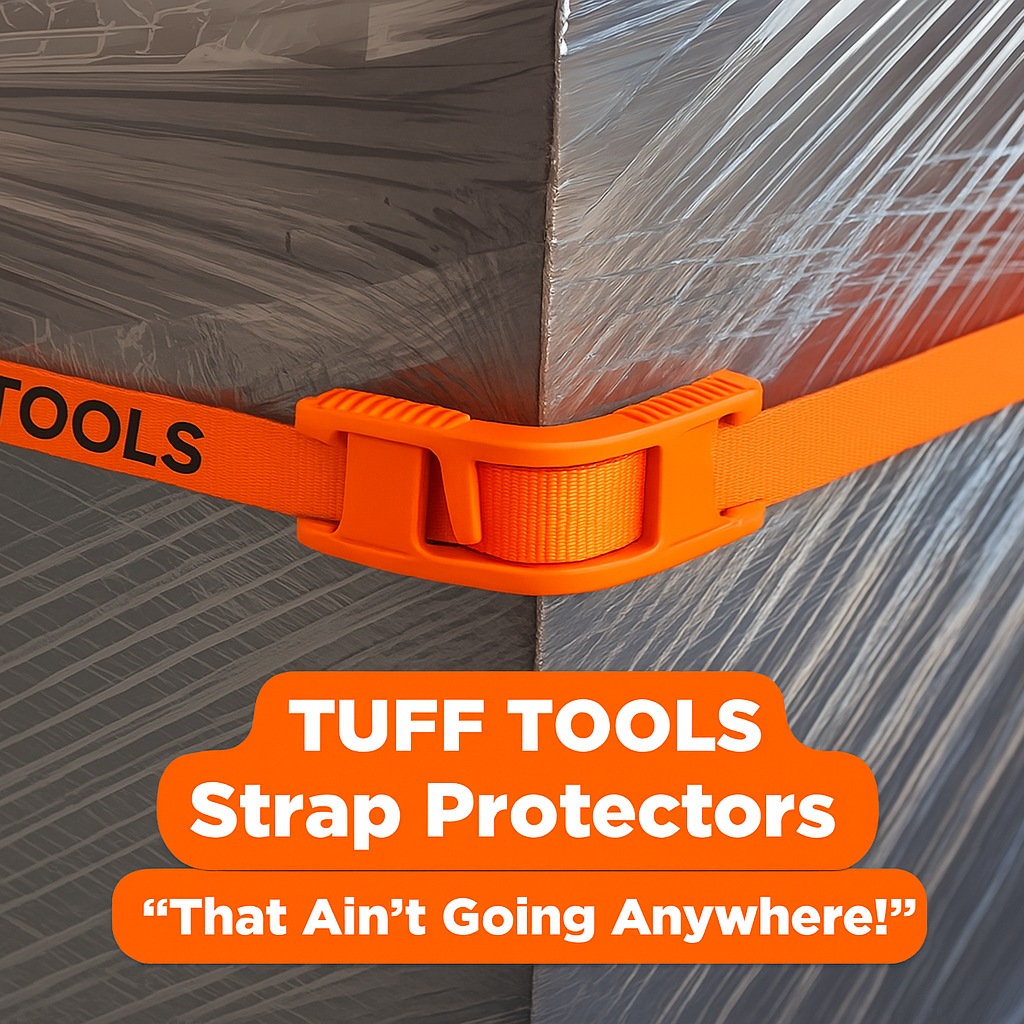
Protect your ratchet straps from sharp edges and rough surfaces with Tuff Tools Strap Protectors. Designed to prevent fraying and tearing, these durable plastic protectors extend the lifespan of your straps while ensuring a secure hold.
✔ Perfectly Paired with Tuff Tools Straps – Designed to work seamlessly with our retractable ratchet straps.
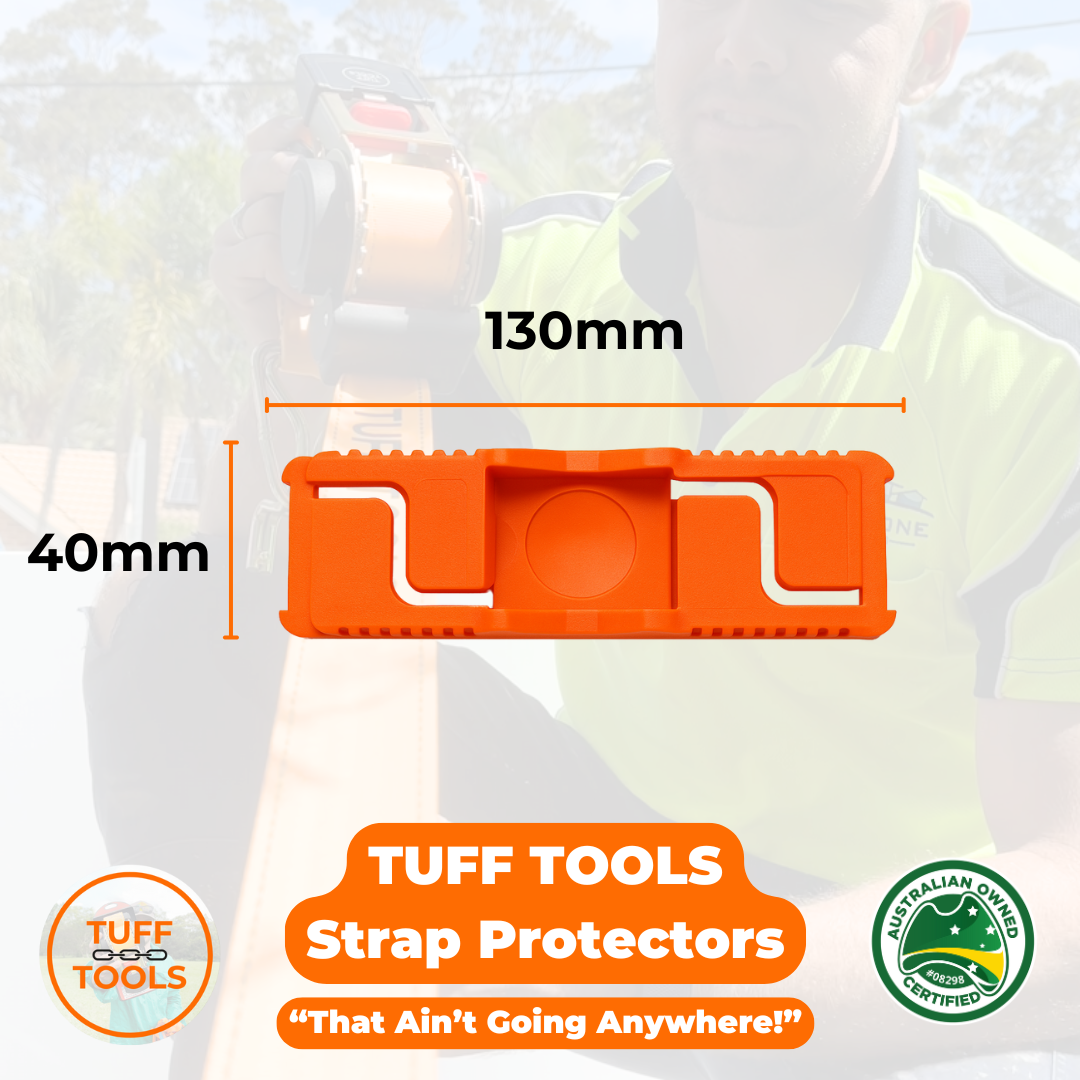
✔ Fits 25mm & 30mm Straps – Perfect for your Tuff Tools retractable ratchet straps.
✔ Heavy-Duty Protection – Shields your webbing from damage against sharp corners and rough surfaces.
✔ Ribbed Inner Grips – Prevents slipping and keeps the protector in place.
✔ Easy to Use – Snap them on in seconds for added peace of mind.
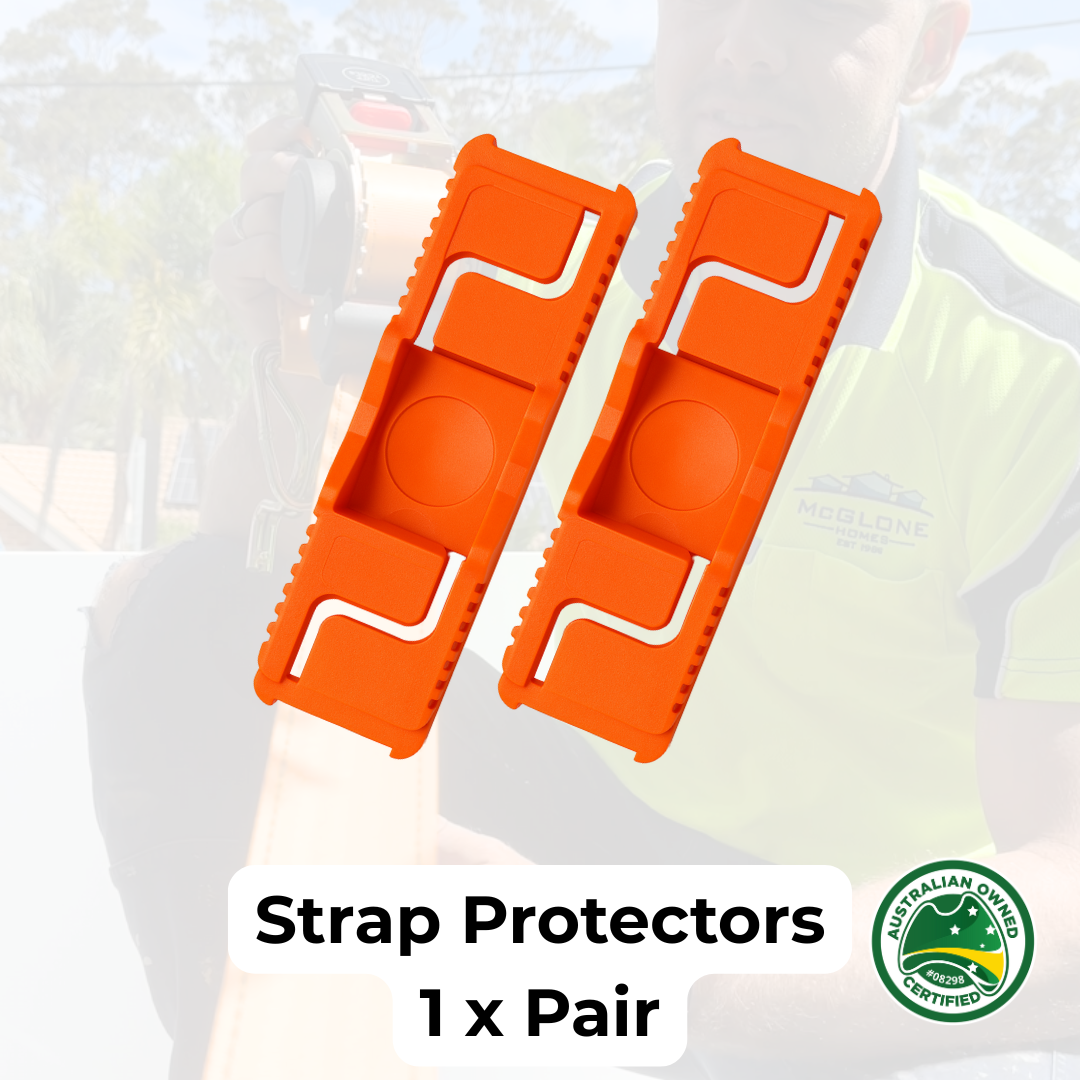
✔ Sold in Pairs – Because one is never enough!
Whether you're transporting gear, securing loads, or protecting your investment, these strap protectors are a must-have for tradies, 4WDers, and anyone who relies on reliable tie-downs.
🔒 Tuff protection for your toughest jobs.
Tuff Tools Strap Protectors (Pair)
Regular price$12.50
Sale price$7.99
Video
1.8m - 4.5m
Strap Lengths
25mm - 50mm
Webbing widths
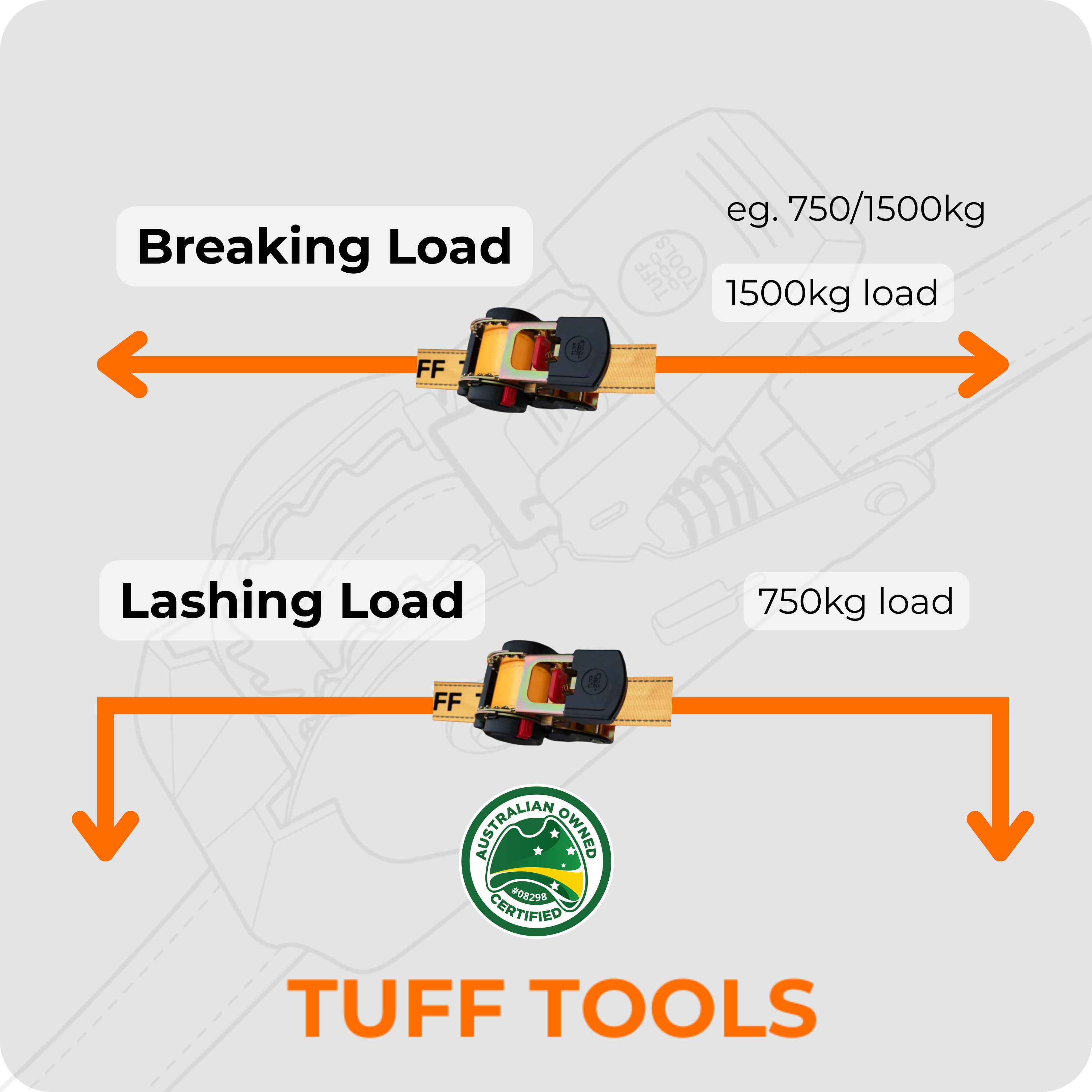
640kg - 1500kg
MAX Working loads
Customer Reviews
Overall rating: 4.9 / 5 from 4865 reviews.
It is a very handy tool to have on the farm
These ratchet straps are amazing, so easy to use.
These ratchet straps are amazing, so easy to use.
Ease of mind, knowing your order is protected
Great idea Saves swished knotted ties
These ratchet straps makes fastening down small loads a breeze without the tangles you get with the stock standard ratchet strap
Good quality strap, the hooks have clips on them that are really handy
Pretty cool
Will save a lot of time and fights with hubby
Excellent service Delivery was really quick & the products are excellent.
Great straps!!! Functional and very easy to use!
LOVE IT
As a single mum who loves the outdoors these just make life so much easier !!
Very happy with this product.
My husband loves them....makes life easy.
Very speedy delivery came within like 30hours. Product was exactly how it was advertised and works great
Fantastic!
Seems like great equipment so far!
Hubby very happy especially as he’d given his to our son. Impressed with the whole product & quickness of delivery etc 😊 Definitely recommend.
Works as it looks
My partner loves his fathers day gift, the ratchet straps are awesome, yet to try anything else
Husband loved them
Works like a charm. Better retraction than my originals, which were rather clunky and didn't retract very efficiently.
It was a super easy process - from ordering to delivery. And the ratchets are top quality! My husband loves them!
Husband loves them
Good arrived in perfect condition. Packaging was intact and looked as though it had been carefully transported and handled. We were very pleased.
My hubby says that are awesome.
Love all the ratchet straps and extension straps. So easy to use especially for a woman who never knows how to feed them through and get them started. This is the best invention. Love it
This is such a fantastic product I that I had them years ago

Exceeding expectations! Tough, durable, and the retractor mechanism actaully works perfectly. Already so much easier to tie down my ladder racks. I'll be buying more and highly recommend!
Great product. Fast delivery couldn’t be happier.
Arrived in time for Father's Day and were very well received by a happy Dad. Not yet tried them out, but they look as described, so hoping they work as described as well.
No more mess!
Husband loves them !
I have bought these wide 4.5 m straps quite a few times now, my husband thinks they’re great and my sons friends “borrow” them often 🤣🤣
Fantastic items. Made for a very impressive father's day gift. Quick shipping.
Have not used yet, they were a present for someone else. But they look as described and the person loved them
.
Brought for family member and they love them